


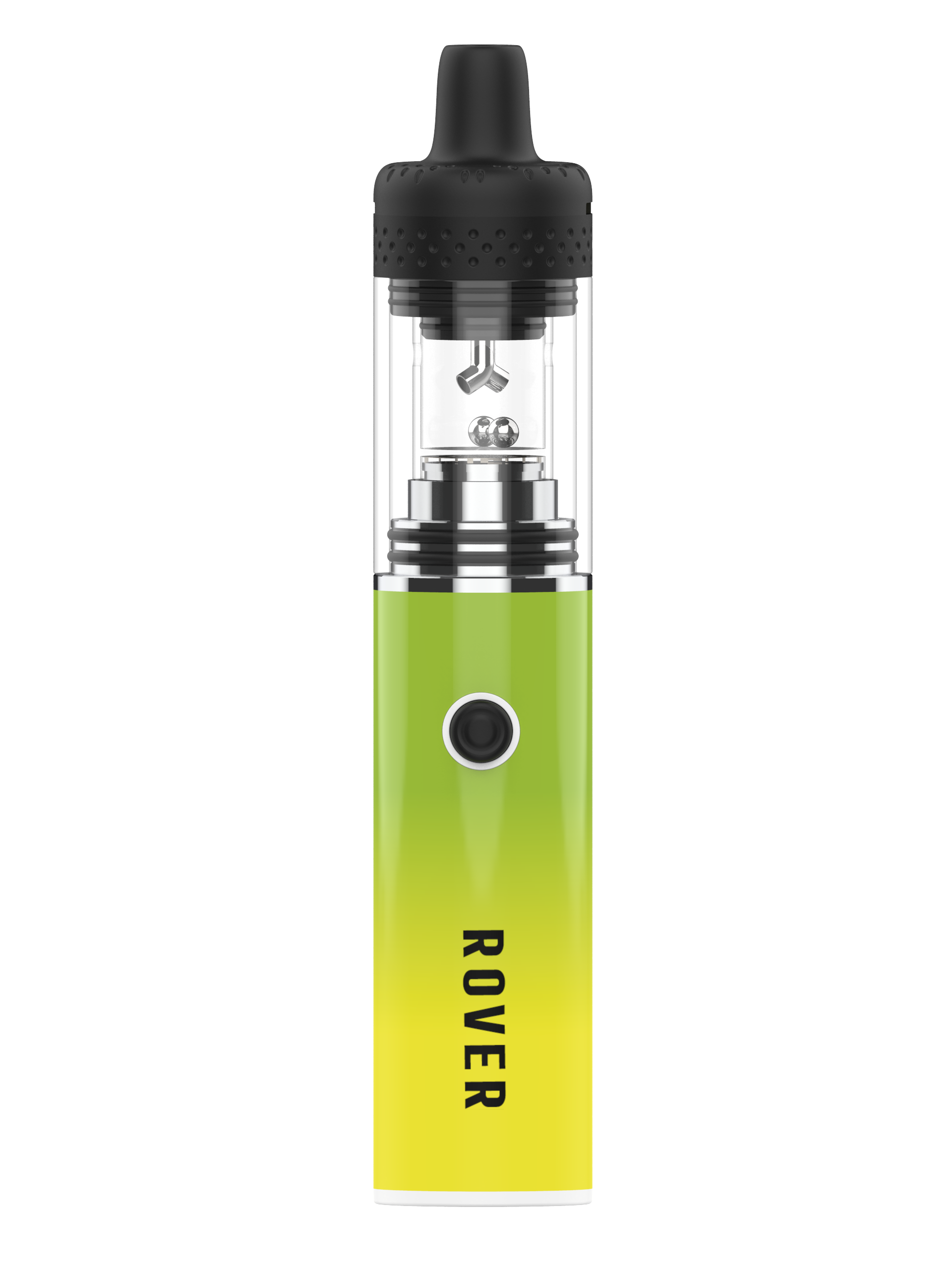
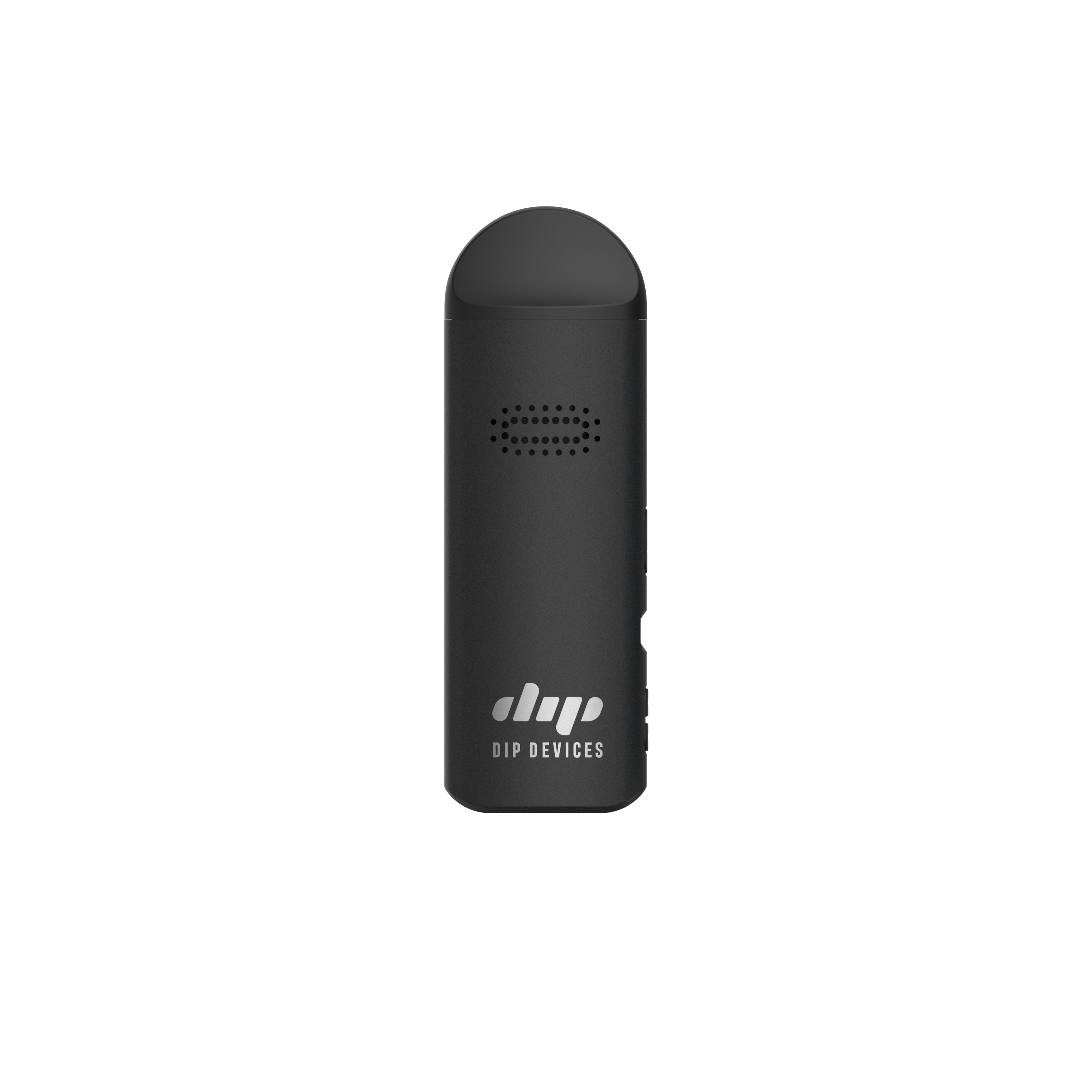
510 Battery Support
510 Battery Support
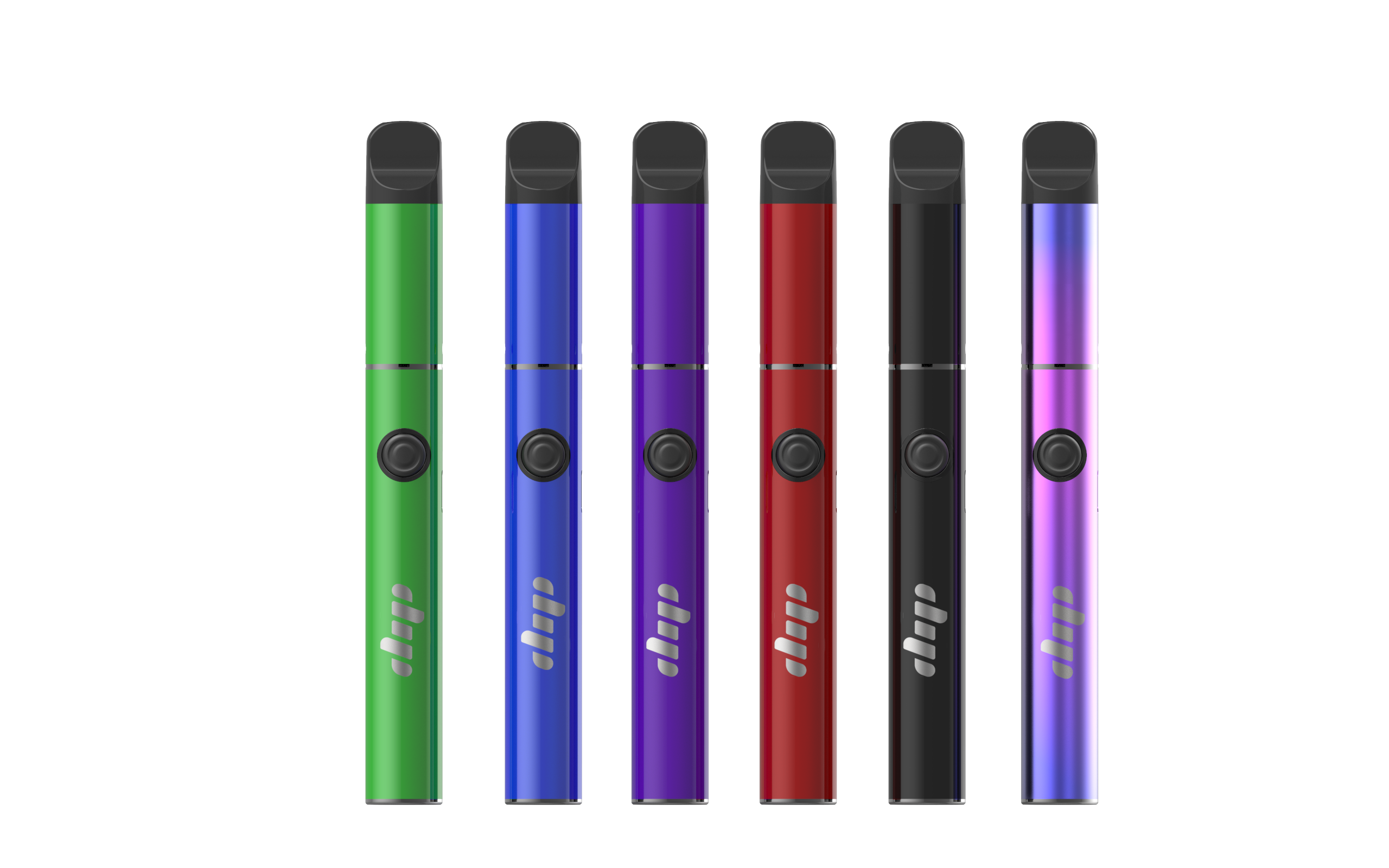
Quick start, FAQs, and troubleshooting for the Dip Devices 510 Thread Battery.


How do I turn my 510 battery on/off?
Five clicks of the power button turns the battery on. Five more clicks turns it off. The battery auto-shuts off after about 10 minutes of inactivity to preserve charge.
How do I change the voltage?
Three clicks cycle through the three power settings. The LED color tells you which voltage you're at:
- Green LED — Low voltage (best for thicker concentrates, preserves flavor and terpenes)
- Blue LED — Medium voltage (balanced flavor and vapor production)
- Red LED — High voltage (denser clouds, fastest vaporization)
Start at low voltage and step up to find your sweet spot — most cartridges work best at low or medium.
How do I take a hit?
Press and hold the power button while inhaling slowly through the mouthpiece of your cartridge or attachment. Release the button when you're done drawing. Most batteries also auto-engage when you draw (5-click activation may still be required first).
How do I charge it?
Both 350 mAh and 650 mAh models charge via MicroUSB. A charging cable is not included — use any standard MicroUSB cable. The LED turns red while charging and green when fully charged. Full charge takes about 1–2 hours.
Will it fit my cartridge?
Yes — both batteries use a universal 510 thread and work with any standard 510 cartridge or threaded attachment, including the Dip Devices Hot Knife Tip, replacement atomizers, and most pre-filled carts available at dispensaries.
My battery is blinking — what's wrong?
- Blinks 3 times when you press the button: Battery is low — charge it.
- Blinks 5 times when you press the button: Short circuit or cart is screwed in too tight. Unscrew the cart slightly and re-thread.
- Blinks 10 times when you press the button: Auto-shutoff after holding the button too long (typical 10-second safety limit). Just release and re-press.
- Won't turn on at all: Try charging for 30 minutes before retrying — the battery may be fully depleted.
My cart isn't hitting — what do I do?
- Confirm the battery is on (5 clicks).
- Unscrew the cart, clean the 510 threads on both the cart and battery with a dry cotton swab, and re-attach. Don't over-tighten — finger-tight is enough.
- Try the high voltage setting (red LED) — some thicker oils need more heat.
- If the cart is brand new, try priming it: take 3–4 short, soft draws without holding the power button to pull oil into the coil.
- If still no draw, try a different cart on the same battery to isolate the issue.
Can I use it with a hot knife?
Yes — the Hot Knife Tip ($14.99) threads into either 510 battery for mess-free dab loading. Prefer an all-in-one tool with its own battery? That's the DabStars Electric Hot Knife ($19.99).
Warranty & parts
Covered by the Dip Devices 1-year limited warranty against defects in materials and craftsmanship — see full warranty terms. Need a part? Use the Replacement Parts Finder.
Still need help?
📧 support@dipdevices.com — we reply within 2 business days
☎️ 844-922-VAPE (8273) (US)
← Back to all device support