


Support
Need help with your Dip device?
Scanned the QR code on your box? You're in the right place. Find your product below for setup, FAQs, troubleshooting, replacement parts, and care guides.
Free US shipping on orders $49+ • Email support@dipdevices.com • 844-922-VAPE (8273)
Pick your device for help

Nova
Electric Bong — $149.99
Real flower. Water filtration. No torch, ever.
Get support → Shop →
Ember
Electric Pipe — $49.99
Pocket-sized. Windproof. Push-button ignition.
Get support → Shop →


DabStars Hot Knife
Electric Dab Tool — $19.99
Heated ceramic tip. Self-contained battery.
Get support → Shop →510 Battery Support
Quick start, FAQs, and troubleshooting for the Dip Devices 510 Thread Battery.


How do I turn my 510 battery on/off?
Five clicks of the power button turns the battery on. Five more clicks turns it off. The battery auto-shuts off after about 10 minutes of inactivity to preserve charge.
How do I change the voltage?
Three clicks cycle through the three power settings. The LED color tells you which voltage you're at:
- Green LED — Low voltage (best for thicker concentrates, preserves flavor and terpenes)
- Blue LED — Medium voltage (balanced flavor and vapor production)
- Red LED — High voltage (denser clouds, fastest vaporization)
Start at low voltage and step up to find your sweet spot — most cartridges work best at low or medium.
How do I take a hit?
Press and hold the power button while inhaling slowly through the mouthpiece of your cartridge or attachment. Release the button when you're done drawing. Most batteries also auto-engage when you draw (5-click activation may still be required first).
How do I charge it?
Both 350 mAh and 650 mAh models charge via MicroUSB. A charging cable is not included — use any standard MicroUSB cable. The LED turns red while charging and green when fully charged. Full charge takes about 1–2 hours.
Will it fit my cartridge?
Yes — both batteries use a universal 510 thread and work with any standard 510 cartridge or threaded attachment, including the Dip Devices Hot Knife Tip, replacement atomizers, and most pre-filled carts available at dispensaries.
My battery is blinking — what's wrong?
- Blinks 3 times when you press the button: Battery is low — charge it.
- Blinks 5 times when you press the button: Short circuit or cart is screwed in too tight. Unscrew the cart slightly and re-thread.
- Blinks 10 times when you press the button: Auto-shutoff after holding the button too long (typical 10-second safety limit). Just release and re-press.
- Won't turn on at all: Try charging for 30 minutes before retrying — the battery may be fully depleted.
My cart isn't hitting — what do I do?
- Confirm the battery is on (5 clicks).
- Unscrew the cart, clean the 510 threads on both the cart and battery with a dry cotton swab, and re-attach. Don't over-tighten — finger-tight is enough.
- Try the high voltage setting (red LED) — some thicker oils need more heat.
- If the cart is brand new, try priming it: take 3–4 short, soft draws without holding the power button to pull oil into the coil.
- If still no draw, try a different cart on the same battery to isolate the issue.
Can I use it with a hot knife?
Yes — the Hot Knife Tip ($14.99) threads into either 510 battery for mess-free dab loading. Prefer an all-in-one tool with its own battery? That's the DabStars Electric Hot Knife ($19.99) below.
DabStars Electric Hot Knife Support
The DabStars Hot Knife is a fully self-contained heated dab tool — a built-in 200 mAh rechargeable battery heats the ceramic tip in seconds so wax, rosin, live resin, badder, and shatter slide cleanly off the blade into your banger, atomizer, or e-rig chamber. No 510 battery needed.
How do I use it?
Remove the protective cap, press and hold the soft-touch silicone button, and touch the warmed ceramic tip to your concentrate. Portion and drop it where you want it, release the button, and let the tip cool completely before recapping.
What concentrates does it work with?
Wax, shatter, budder, badder, crumble, rosin, and live resin — both solvent and solventless.
How do I clean the tip?
Let it cool completely, then wipe the ceramic tip with an isopropyl alcohol swab. Store it with the protective cap on to keep it clean between sessions.
Safety note
The ceramic tip gets hot. Always allow the tip to cool completely before touching it or replacing the cap. Adults 21+ only.
Replacement Parts Finder
Consumable parts (tips, atomizers, screens) wear out with normal use — that's expected, and replacements are cheap. Find yours:
| Device | Available parts |
|---|---|
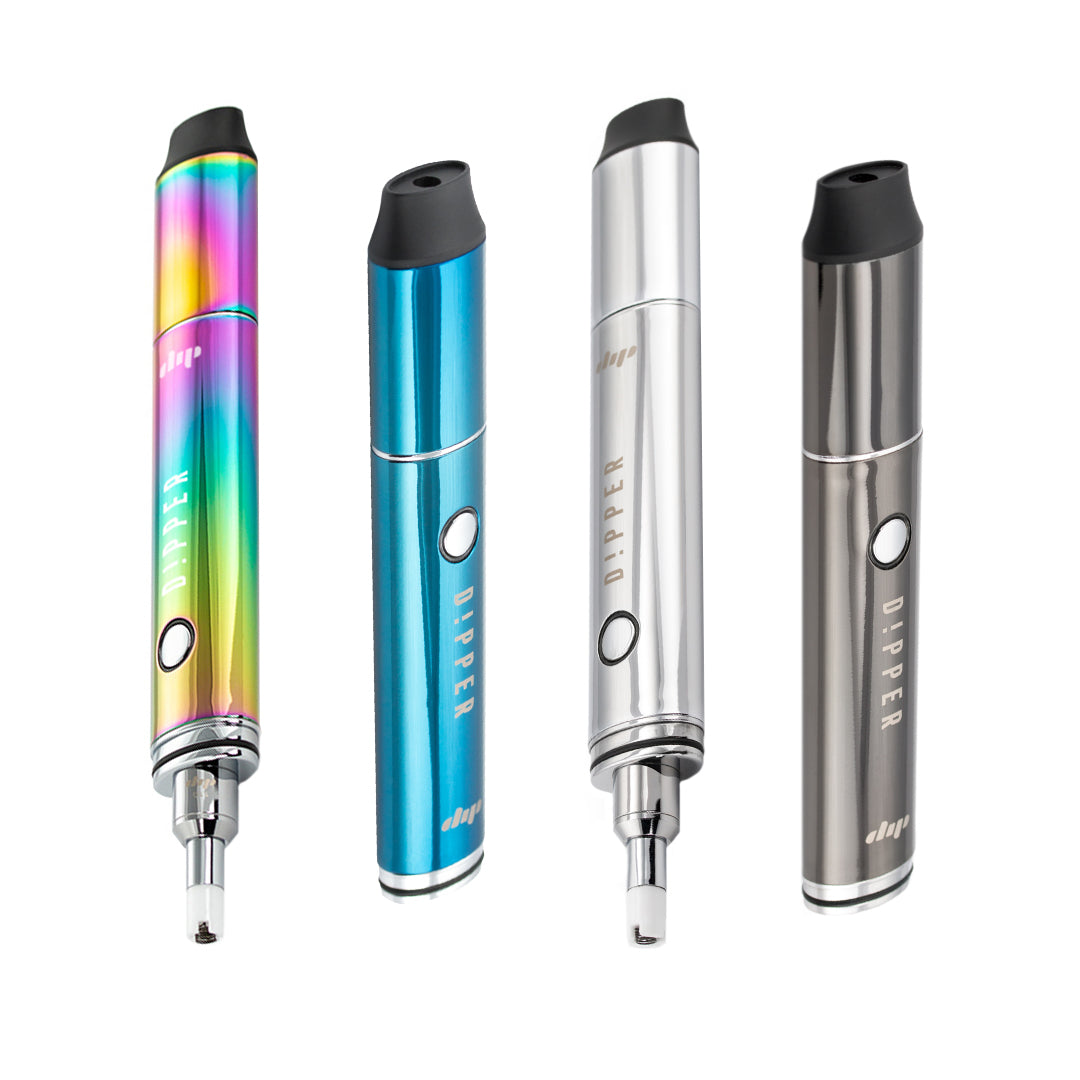
| Dipper | Vapor Tips (5-pack) — $29.99 • Quartz Crystal Atomizers (3-pack) — $24.99 • Mouthpiece — $14.99 • Reclaim Chamber — $9.99 |
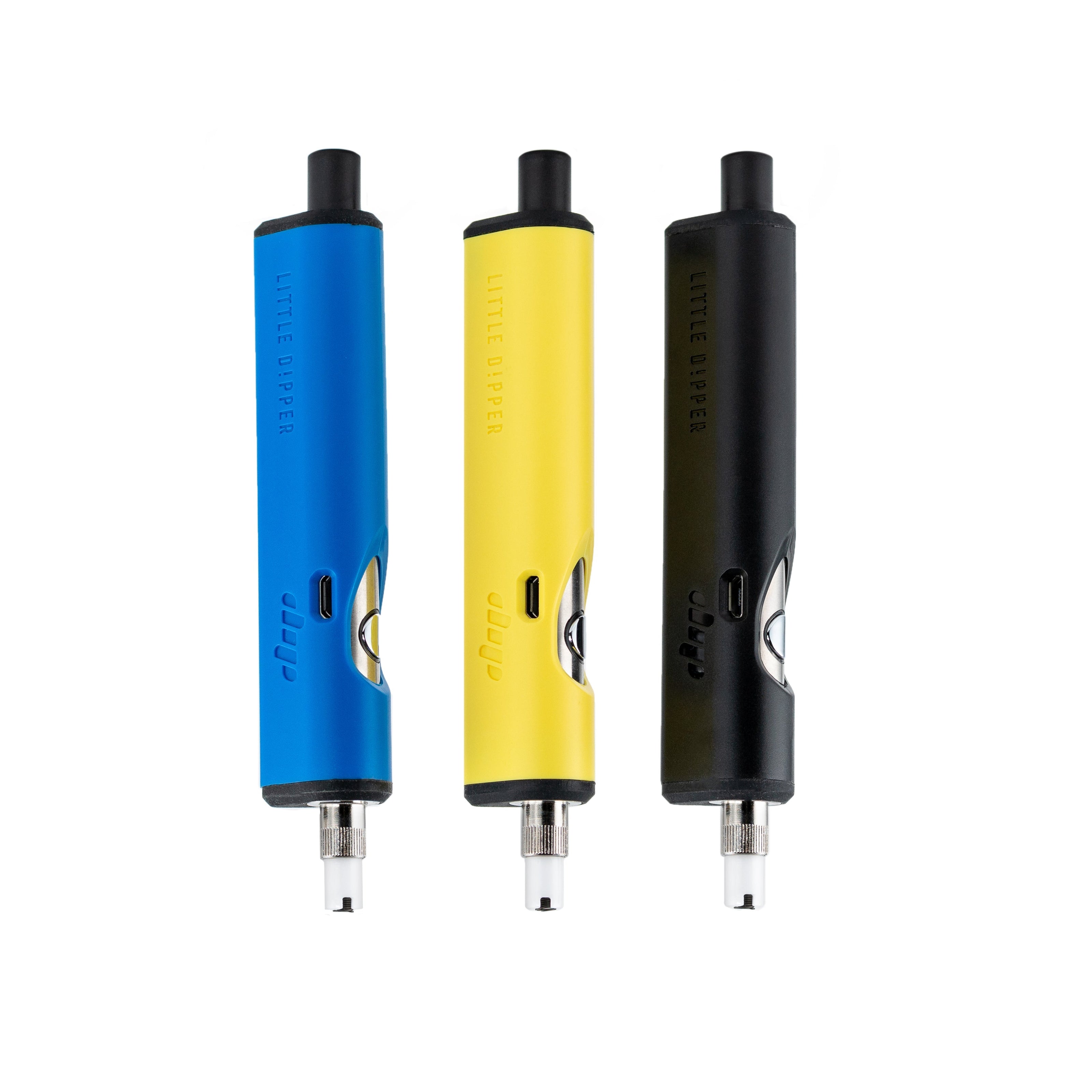
| Little Dipper | Vapor Tips (2-pack) — $14.99 • Quartz Vapor Tips (2-pack) — $14.99 |
| Lunar | Replacement Atomizers (2-pack) — $14.99 |
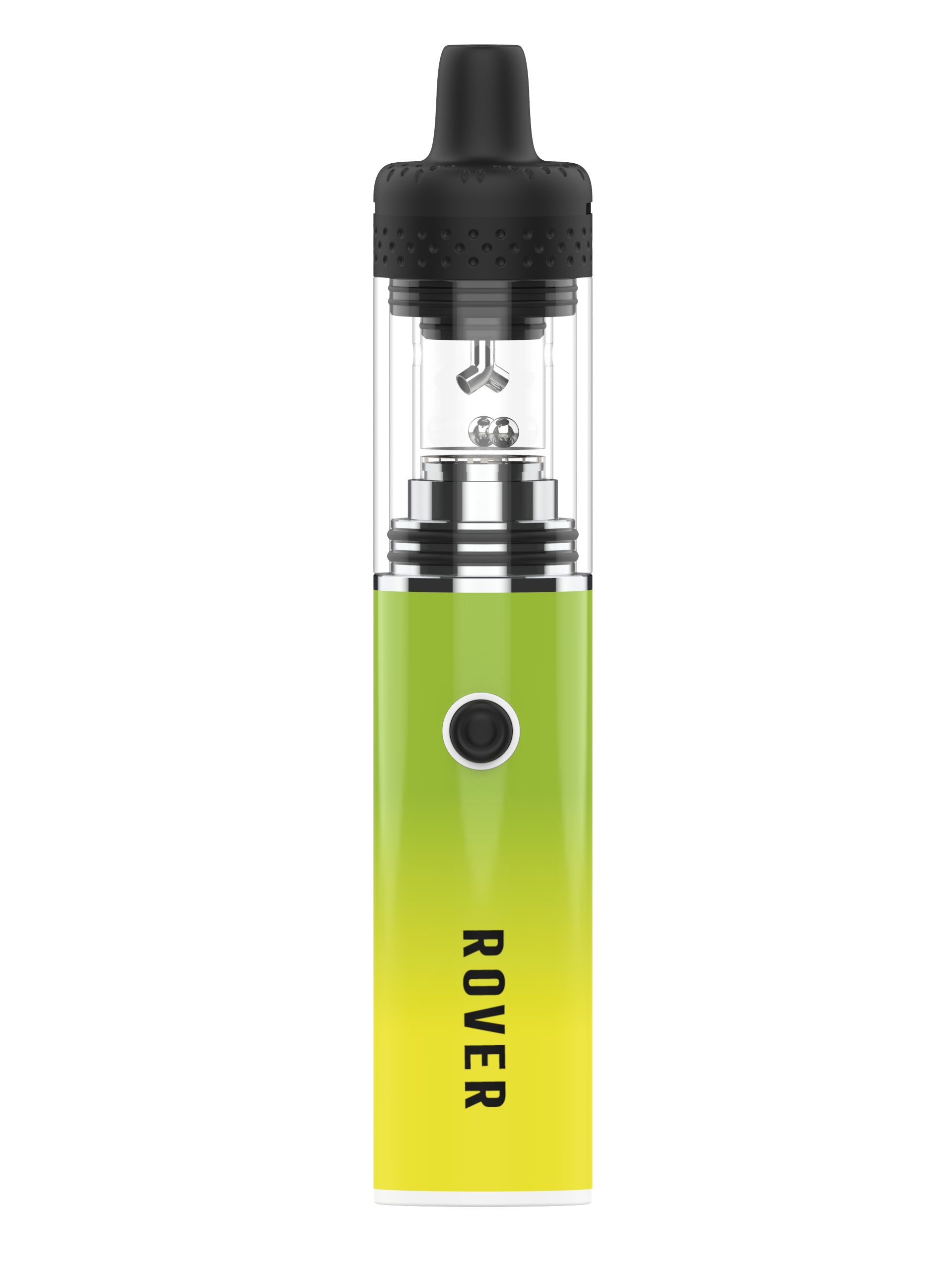
| Rover | Thruster Cap Mouthpiece Kit — $19.99 • Cloud Chamber — $9.99 • Outer Glass — $4.99 • Thrusters (4-pack) — $4.99 |
| EVRI | 510/Flower Attachment — $19.99 |
| 510 Battery | Hot Knife Tip — $14.99 |
| Aster | Extra screens & glass adapters: email support@dipdevices.com (standard pipe screens also fit) |
| Nova / Ember | Replacement glass & parts: email support@dipdevices.com |
Shipping
Free US shipping on orders of $49 or more. Dip Devices ships Monday through Friday and will ship same or next day. Domestic orders generally arrive within 3–5 business days. We provide tracking information when available. International shipments will have varying delivery times and are quoted on a per-order basis. All products ship in simple, discreet packaging with a return address of our legal company name (Zipline Innovations).
Devices require an adult signature on delivery and cannot ship to PO boxes. For orders under $49, shipping runs $3.50–$8.50 depending on your cart total and includes the required adult-signature service.
Returns & Refunds
Outside of the warranty (available by registering your product directly with Dip Devices), we accept returns for products un-opened in original packaging. You'll need a Return Material Authorization (RMA) — email support@dipdevices.com or call 844-922-VAPE. All returns are subject to a 25% restocking fee. The company may reject any return request.
Refunds are only available for new and unused products purchased on dipdevices.com and must be returned within 14 days of receipt. If the tamper-proof seal is broken, a refund cannot be honored. Products purchased through authorized retailers must be returned through the retailer per their refund policy.
Full Return Policy →
Warranty
Each Dip Devices device ships with a 1-year limited manufacturer warranty against defects in craftsmanship. Atomizers, vapor tips, glass, and other consumable parts are not covered by warranty. Register your device to activate your warranty: Device Warranty Registration →
Accessible User Guides (PDF)
- Accessible Dipper User Guide
- Accessible EVRI Battery User Guide
- Accessible EVRI 510 Pod User Guide
- Accessible EVRI VTA User Guide
- Accessible Little Dipper Guide
Wholesale & Affiliates
Where can I buy a Dip Devices product? Find a local retailer via our store locator or buy directly from our store.
Wholesale pricing: If you're a US retailer, have your state sales tax certificate ready and create a wholesale account. International wholesale: email wholesale@dipdevices.com.
Affiliate program: Each affiliate gets a custom promo code to share. The code is worth 10% off for anyone who uses it; the affiliate gets 15% of revenue, paid monthly. Register here or visit our Affiliates page for more.
Press / media / influencer inquiries: Email marketing@dipdevices.com.
Still need help?
Our support team is standing by.
📧 support@dipdevices.com
📱 @dip.support on Instagram
☎️ 844-922-VAPE (8273)